
Revenue and dues dashboard
See total collected, pending dues, and overdue members in one view — updated daily without any manual data entry.
Analytics and insights
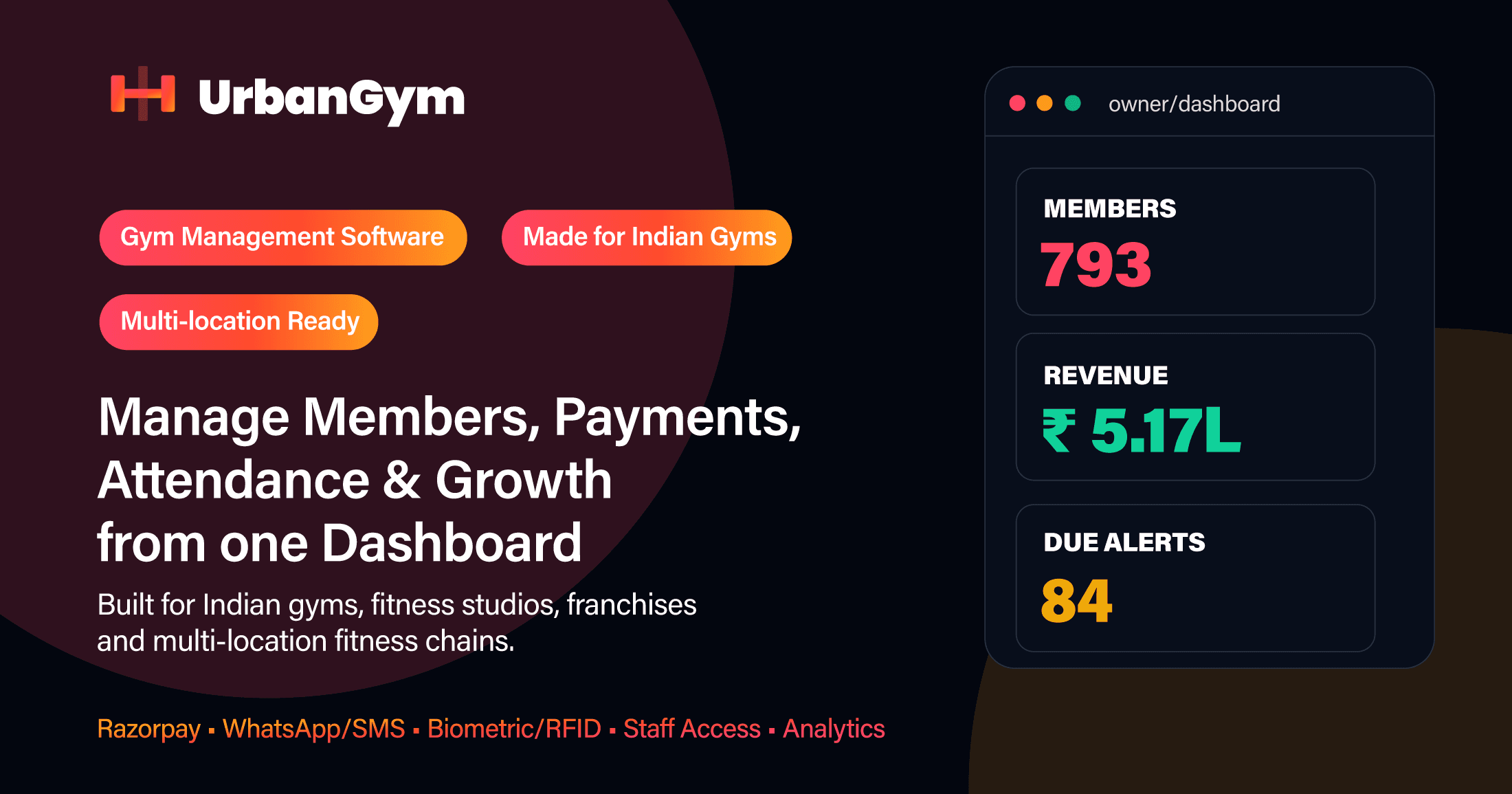
See revenue collected, dues pending, member growth, attendance trends, and trainer performance — all from a single dashboard that updates in real time across every gym location.
Why teams switch
See total collected, pending dues, and overdue members in one view — updated daily without any manual data entry.
Track new joinings, active members, expired memberships, and renewal rates month over month.
For gym chains, compare revenue, attendance, and member counts across all branches from the owner dashboard.
A monthly report tells you what happened. A live dashboard tells you what is happening right now — and gives you time to act before the month ends poorly. Gym owners who review revenue, dues, and attendance daily can intervene in a slow renewal week, follow up on a surge in inactive members, or investigate a branch that is underperforming before the gap becomes permanent. UrbanGym's analytics are updated from each payment, check-in, and membership change — not from a manual data export done at month-end.
Gym revenue is collected across multiple channels — cash at the front desk, UPI transfers, Razorpay online payments, and bank transfers for long-term memberships. Reconciling all of these into a single daily revenue figure is time-consuming when done manually. UrbanGym records every payment against the correct member and channel, so the revenue summary reflects actual collections. Pending dues and overdue members are surfaced automatically without needing a separate chase process.
Growing a gym requires understanding the ratio between new members joining and existing members not renewing. If 40 new members join in a month but 45 expire and don't renew, the gym is shrinking despite looking busy. UrbanGym's member analytics track new joinings, active memberships, expired packages, and renewal rates over any date range — giving owners a clear picture of net growth versus gross additions.
A member who stops attending regularly is far more likely to skip renewal when their membership expires. Attendance trend reports in UrbanGym help staff identify members who have not checked in for 10, 14, or 21 days — creating a follow-up trigger before the membership lapses. This kind of early intervention is what separates gyms with 60% renewal rates from those with 30%.
For gym chains with two or more branches, the hardest analytics question is: which branch is performing well and which one needs attention? UrbanGym's multi-location dashboard allows owners to compare revenue collected, active members, dues pending, attendance frequency, and renewal rates across all branches in one view — without calling each manager for a daily update or waiting for a consolidated WhatsApp summary.
Connect the daily front-desk work with owner-level reporting, so growth is easier to measure and manage.
UrbanGym shows daily revenue collected, total dues pending, payment method breakdown, and month-over-month trends — updated from each payment and membership record.
Yes. Multi-location dashboards let owners compare member counts, revenue, attendance, and renewals across all branches.
Yes. Key reports can be exported for accounting, auditing, or presenting to business partners.
Yes. Dashboards support daily, weekly, monthly, and custom date-range filters so owners can review any period.
Get revenue, attendance, dues, and member growth analytics across every gym location from one dashboard — built for Indian gym owners and operators.